Your store's best-selling jacket sold out on Tuesday. You hid the product, but Google had already indexed the URL and other sites linked to it. Now the URL returns a 404, and weeks of SEO work may be at risk.
Shopify does not provide a complete workflow for hiding a sold-out product, protecting its URL, and restoring it when inventory returns. The right redirect and a dependable safety check close that gap.
🎯 Quick Summary
- Hiding a product without a redirect can turn inbound links into a 404 and remove the page from search.
- A relevant 301 redirect keeps visitors and link equity pointed to a useful destination while the product is unavailable.
- Webhooks are fast but can miss events during busy sales; a daily re-check provides a safety net.
- Hide Out of Stock (Pro) automates hiding, redirects, restoration, and the daily check.
🔎 SEO-Safe 301 Redirects When a Product Is Hidden
When you set a Shopify product to Draft, its URL can return a 404 to visitors and Googlebot. Google may treat that response as a removed page and begin taking it out of the index.
The URL may already rank for a search term or have links from other sites. Without a redirect, that accumulated value has nowhere relevant to go. This is the main SEO risk when products go out of stock.
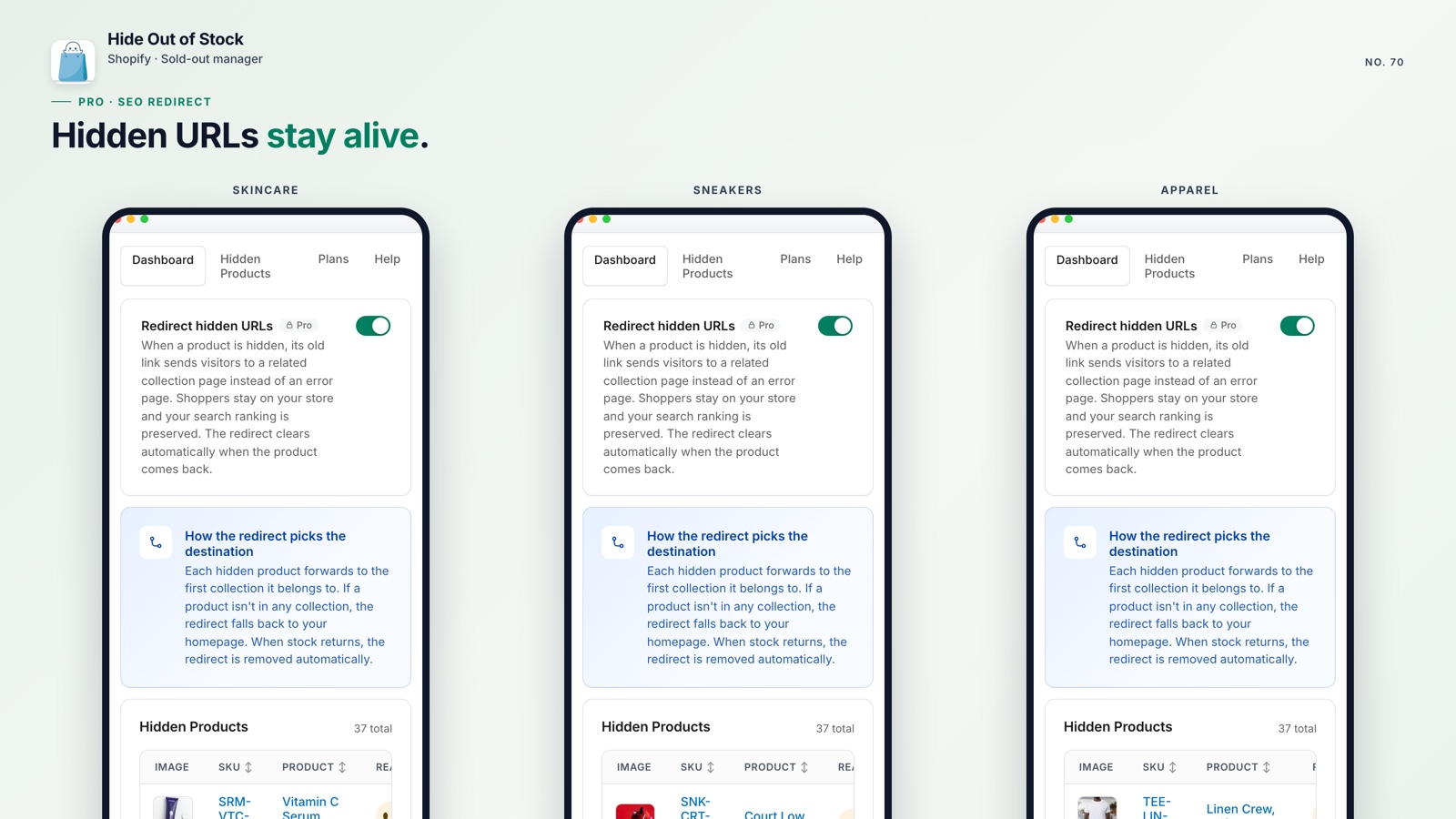
The manual fix is straightforward: open Online Store > Navigation > URL Redirects and send the old product URL to a relevant collection or similar product. It works for one product, but becomes difficult when dozens of products change status each week.
When inventory returns, remove the redirect as well. Otherwise, the active product page may continue sending visitors somewhere else. Shopify does not remove that redirect automatically.
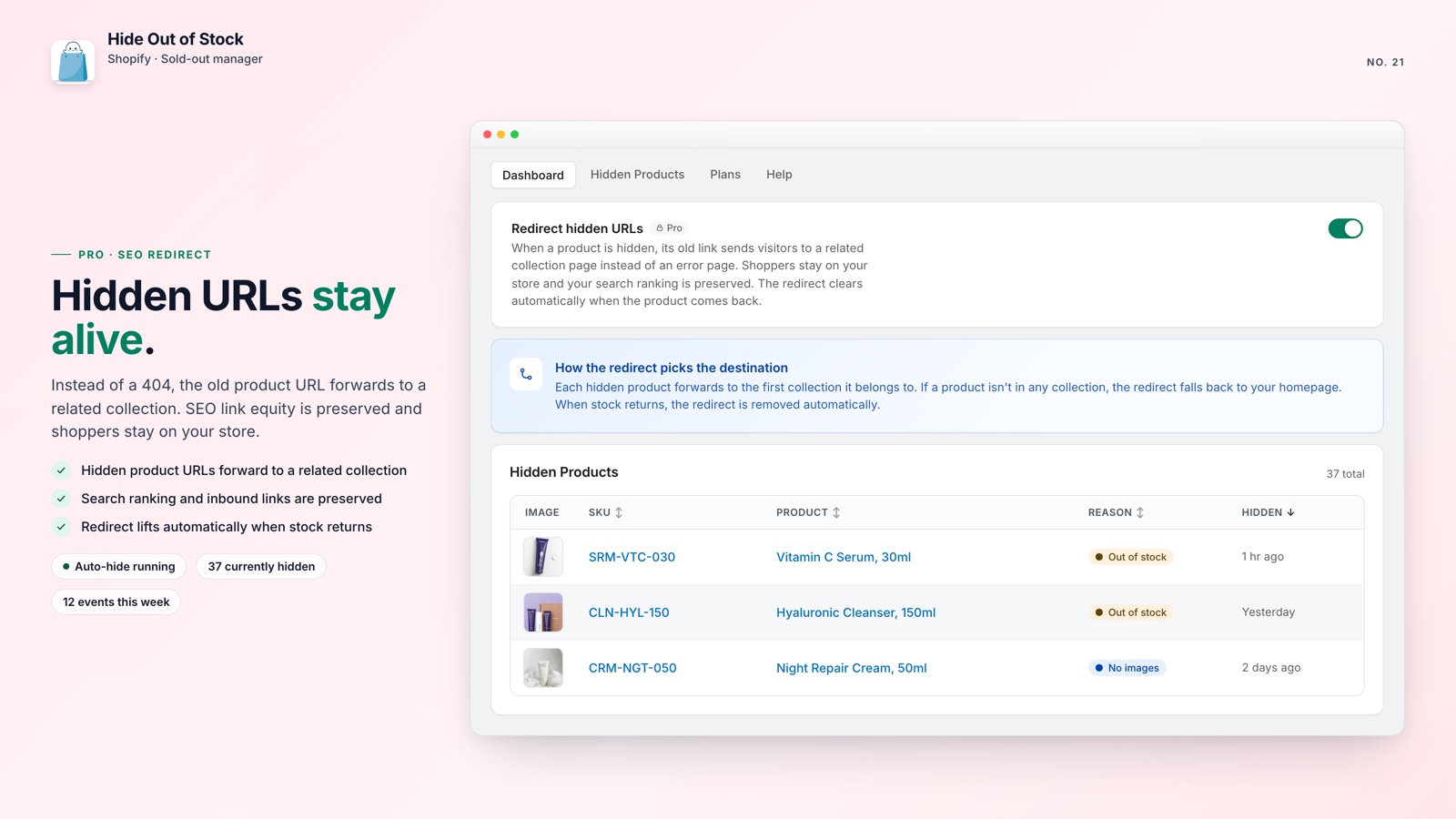
Hide Out of Stock's Pro plan handles both ends automatically. When a product is hidden, it creates a 301 redirect to the product's first collection. When inventory returns and the product is restored to Active, it removes the redirect. The process runs in both directions without manual cleanup.
💡 Pro tip: Sending a hidden product to the homepage instead of a related collection can look like a soft 404 to Google. Point the URL to the closest matching collection or a similar product.
If sold-out items are also disrupting your collection order, stopping out-of-stock products from rising to the top of a Shopify collection is the complementary fix.
📅 The Daily Safety Check That Catches Missed Events
Webhooks power Hide Out of Stock's real-time automation. Shopify sends an inventory event, the app receives it, and the product is hidden within seconds.
Webhooks are fast but not infallible. During high-traffic sales, Shopify can delay or miss an event. If that happens, a sold-out product may continue to show an "Add to cart" button even though the inventory is gone.
Hide Out of Stock runs a daily background job that re-checks every product it manages. If a webhook was missed and a restocked product remains in Draft, the scheduled task restores it. If a sold-out item is still published, the task corrects that status as well.
It runs in the background without requiring a daily manual audit, so your team can focus on inventory and merchandising.
For stores that want to go further with catalog automation, scheduling automatic collection re-sorts is a natural complement to this setup.
How Hide Out of Stock works
Inventory hits zero
Shopify fires a real-time inventory webhook
Product hidden instantly
Set to Draft within seconds, 301 redirect created (Pro)
Restocked? Restored
Back to Active automatically, redirect removed
Daily cron re-check
Catches anything the webhook missed

Protect your SEO when inventory reaches zero
Hide Out of Stock hides products, creates 301 redirects so their URLs do not become 404s, and restores everything when stock returns.
Everything you get, at a glance:
- Real-time hiding and restoring via Shopify inventory and product webhooks
- One-click full catalog scan when the app is installed catches everything already out of stock
- SEO-safe 301 redirects created and removed automatically (Pro plan)
- Daily cron re-check as a safety net for any missed webhook events
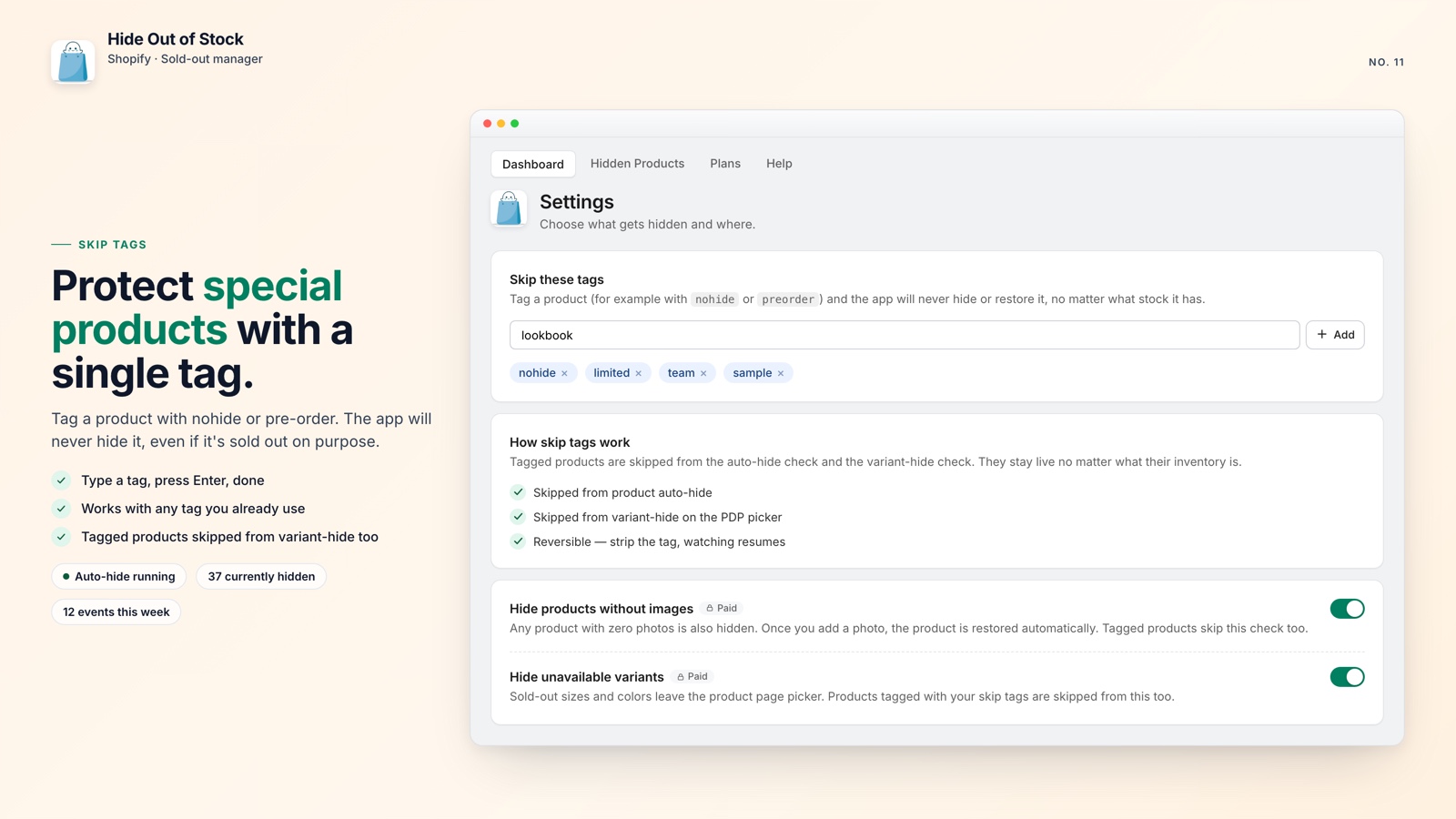
- Tag exclusions keep pre-order and coming-soon products always visible
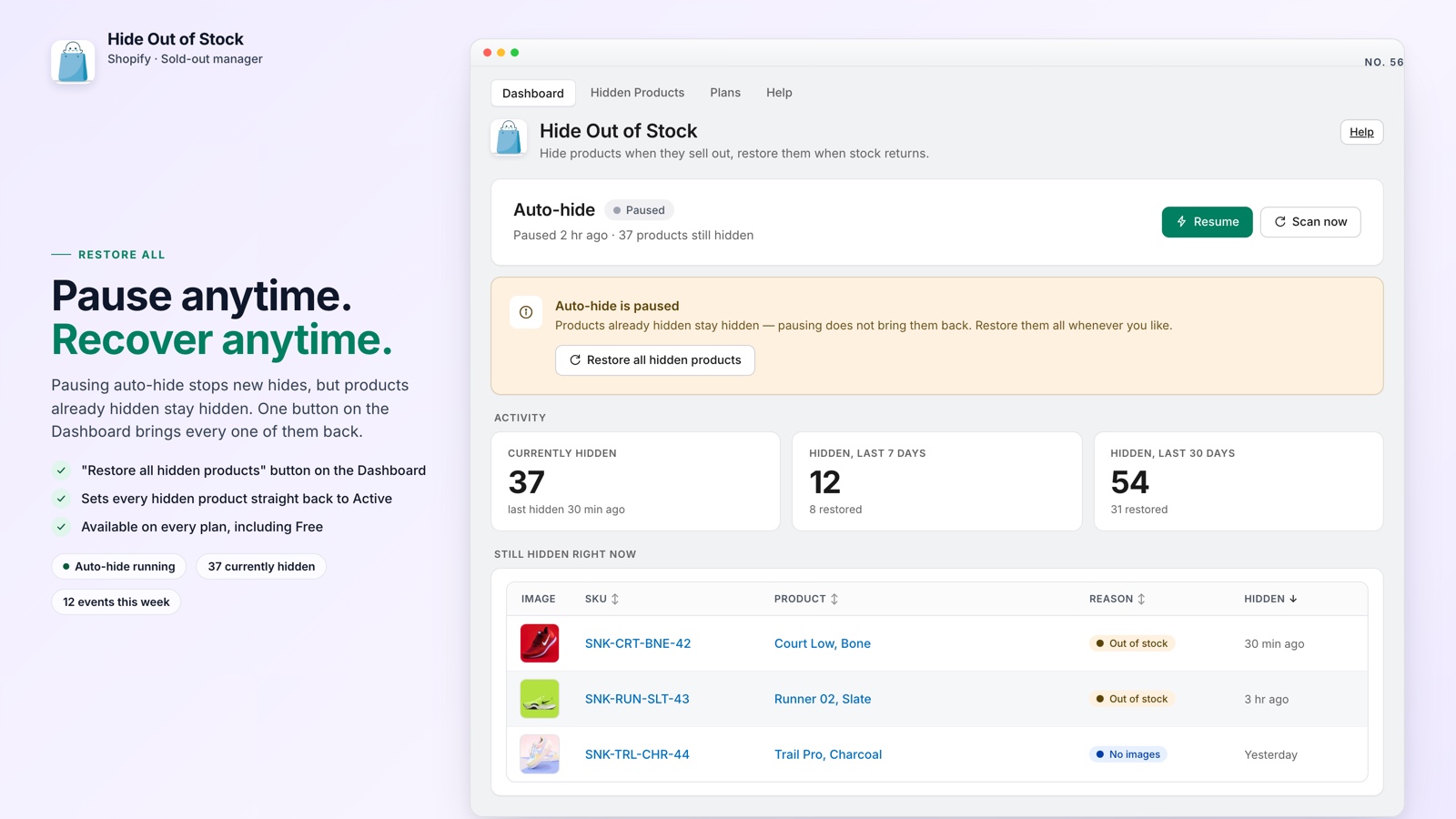
- Only touches what it hid. Your manually set Drafts are never touched.
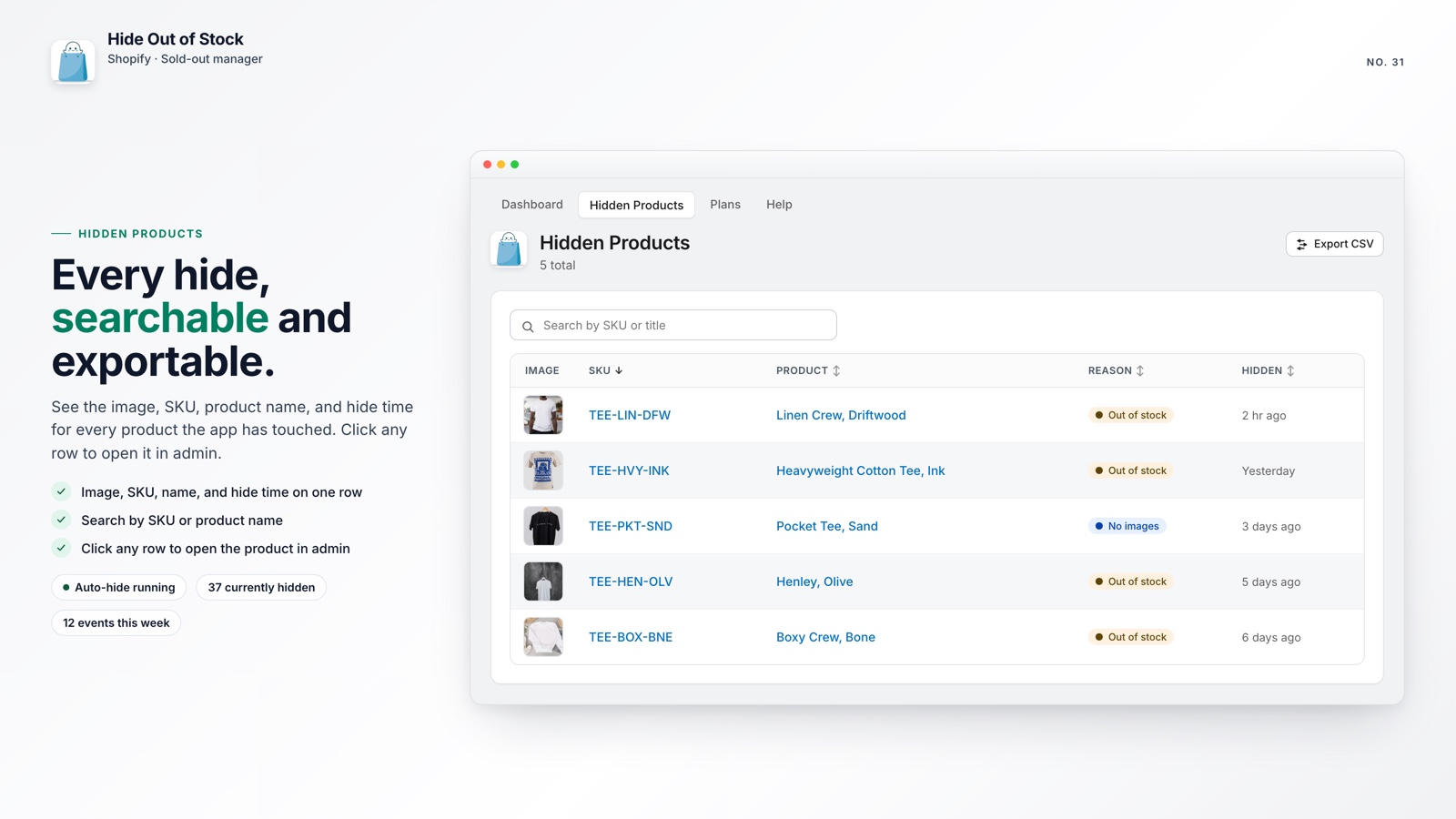
🚀 Why This Matters for Your Store
Shopify stores can lose SEO value when a product sells out, not necessarily because someone made a mistake, but because Shopify does not provide one built-in workflow to hide the product, redirect its URL, and restore it when stock returns.
You can combine Shopify Flow, manual URL redirects, and calendar reminders, or use one app to handle the workflow. If you are still deciding whether to hide or show out-of-stock products on your Shopify store, settle that choice first. Whichever approach you take, the redirect should point to a genuinely relevant destination.
The Pro plan is $14.99 per month with unlimited products and a 7-day free trial. For a store with organic traffic, saving one valuable product URL from becoming a 404 can make the plan worthwhile.