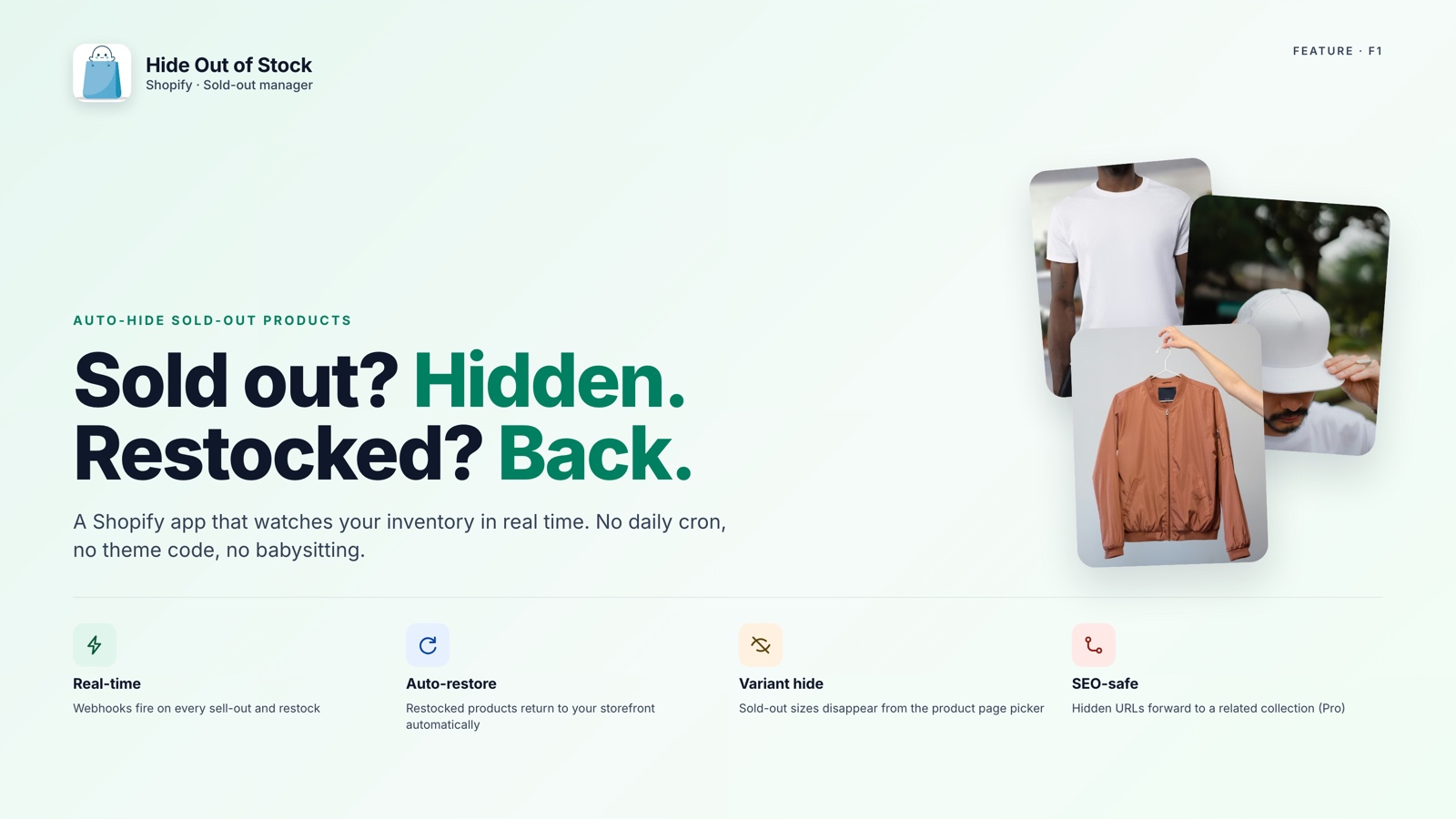
A product can sell out weeks ago and still be published, searchable, and visible across your storefront. When a shopper finds it, the page offers interest without a way to buy.
Cleaning this up manually means finding every sold-out product and changing its status to Draft one at a time. For a large catalog, bulk-hiding out-of-stock products on Shopify is exactly the kind of maintenance that gets delayed.
🎯 Quick Summary
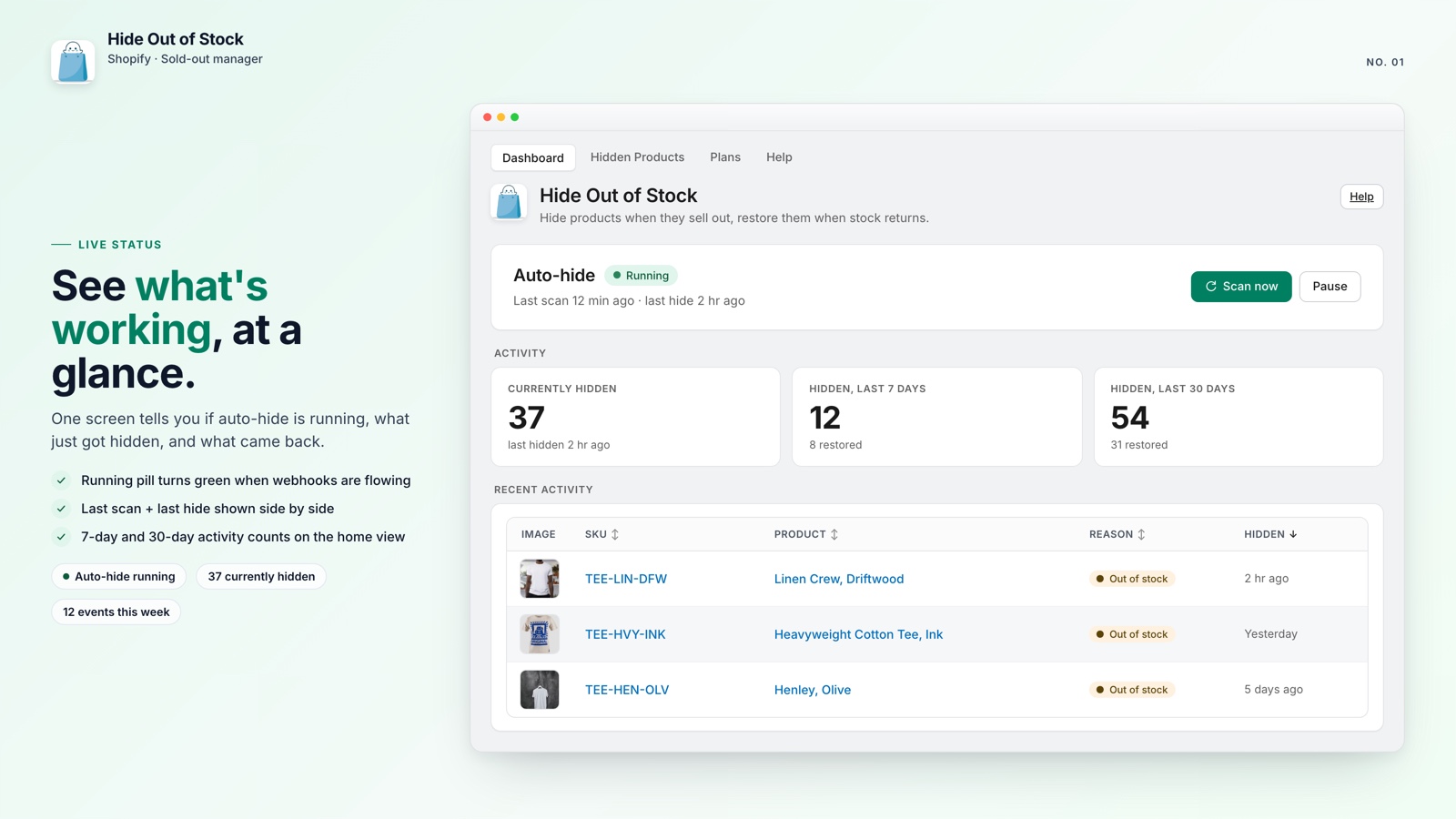
- One scan reviews the full catalog and hides products whose variants are all out of stock
- Real-time webhooks hide new sell-outs within seconds
- A managed-product log keeps your manual Draft products out of the restore process
- Tags such as "pre-order" and "coming-soon" can keep selected products visible
🔍 Scan the Catalog in One Click
Automation usually starts with the next inventory change. It does not necessarily solve products that were already out of stock before installation, so last month's sell-outs may still be live.
Each visible sold-out page creates a small but avoidable conversion leak. Shoppers click with buying intent, discover that nothing is available, and have to decide whether to search again or leave.
The manual fix is familiar: export the product list, filter for zero inventory, return to Shopify Admin, and set each product to Draft individually. It works, but it is slow and easy to postpone when the catalog is large.
Hide Out of Stock handles the backlog with a one-click scan. It checks the catalog page by page, finds products whose variants are all at zero inventory, and sets them to Draft in one pass. You can clear the existing list without opening products one by one.
💡 Pro tip: Run the scan immediately after installation. That gives the ongoing automation a clean starting point instead of leaving last season's sell-outs in the catalog.
🛡️ Built-In Safeguards for Your Catalog
Bulk changes should not overwrite decisions you made for other reasons. You may keep pre-launch pages, seasonal products, or items still being photographed in Draft even when inventory is not the issue.
Hide Out of Stock keeps a precise log of every product it sets to Draft. When inventory returns, the restore process uses that list, so products you drafted yourself remain untouched. For the other half of the workflow, see how auto-restore works when inventory comes back.
Tag exclusions give you another layer of control. Add a tag such as "pre-order", "nohide", or "coming-soon" and the app skips that product regardless of its stock level. The same approach is covered in our guide to keeping pre-order products visible while hiding sold-outs.


Clear your sold-out backlog in 90 seconds
Hide Out of Stock scans your catalog, hides fully sold-out products in one pass, and keeps the storefront current as inventory changes. Free for up to 100 products.
Here is what the workflow includes:
- Hides products within seconds of every variant reaching zero inventory
- Restores products automatically when any variant comes back in stock
- A daily safety-net cron rechecks hidden products if a webhook is missed
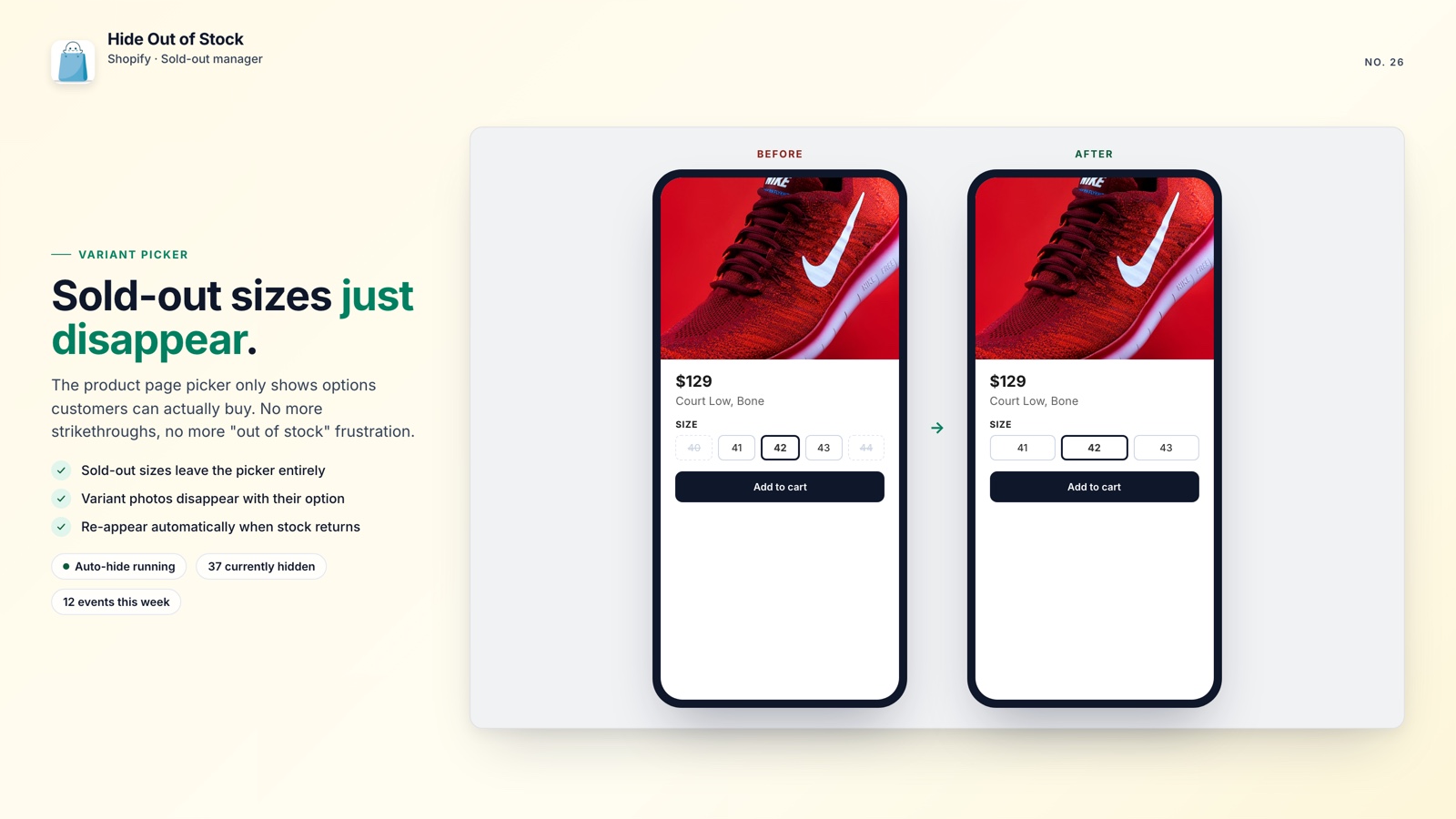
- Removes sold-out sizes, colors, and their photos from the variant picker (Starter and Pro)
- Redirects /collections/all to your homepage so visitors avoid an unfiltered list (Starter and Pro)
- Adds SEO-safe 301 redirects so hidden product URLs do not become 404s (Pro)
- Lets you apply the workflow to selected collections or the whole catalog
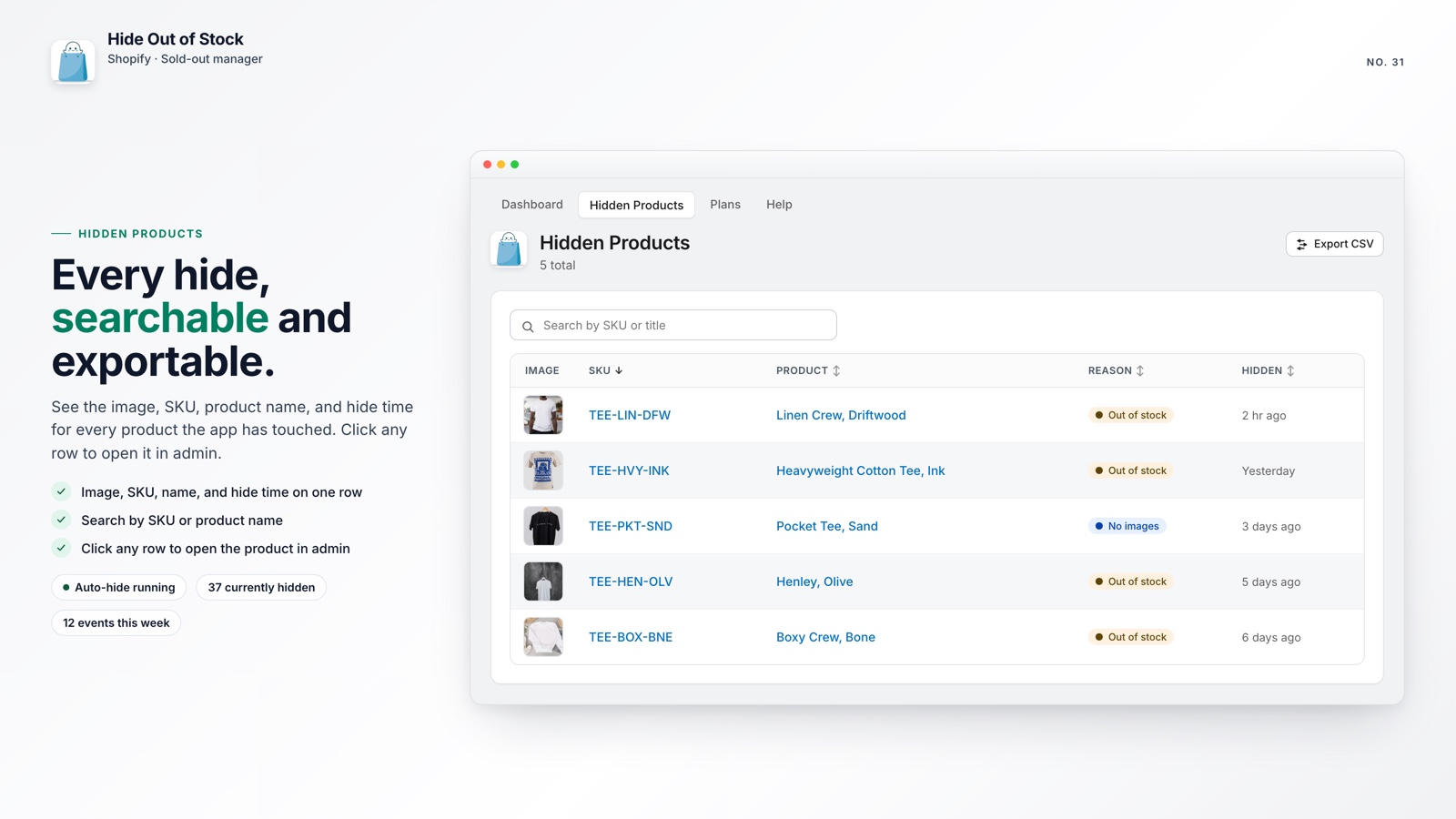
- Exports hidden products to CSV for review while they remain in Draft
🚀 Why It Is Worth Fixing
Every sold-out product that remains visible adds friction to the shopping experience. Over time, it can weaken shopper trust and make the catalog feel less carefully maintained.
The fix is free for up to 100 products and takes about 90 seconds to set up. It is a small change that removes a recurring source of customer frustration.
If you are already improving your catalog, pair this with a collection sort that pushes remaining out-of-stock products to the bottom of your collections. Hide what should disappear, then move the products you keep out of shoppers' way.
One scan gives you a cleaner catalog today and an automated way to keep it accurate tomorrow.