Shopify's native drag-and-drop is fine for a small catalog. On a larger one it gets slow: the editor only works within the page you are viewing, and a manual order can reset to alphabetical after a catalog change. This guide covers how to reorder a large collection and keep the order in place.
🎯 Quick Summary
- Shopify's built-in editor only works one page of products at a time, which makes large reorders slow.
- There is no native multi-select. The editor requires one drag per product.
- Manual sorting can reset to the default without a warning or explanation.
- Sortello's full editor handles up to 5,000 products with multi-select and bulk moves included on every plan.
✋ How to Manually Reorder Collection Products (Drag-and-Drop)
Shopify does support manual sorting. Open a collection in your admin, switch the sort dropdown to "Manual," and you can drag products into any position you like.
The catch: drag-and-drop only works within the page you are viewing. If your target product is several pages deep and you want it at position 1, you cannot get there in one move. You page forward, drag a little, and repeat until it arrives.
This matters more than most merchants realize. Product position directly affects sales, and shoppers rarely scroll past the first screen. A best-selling product that appears too low in the collection can reduce daily revenue.
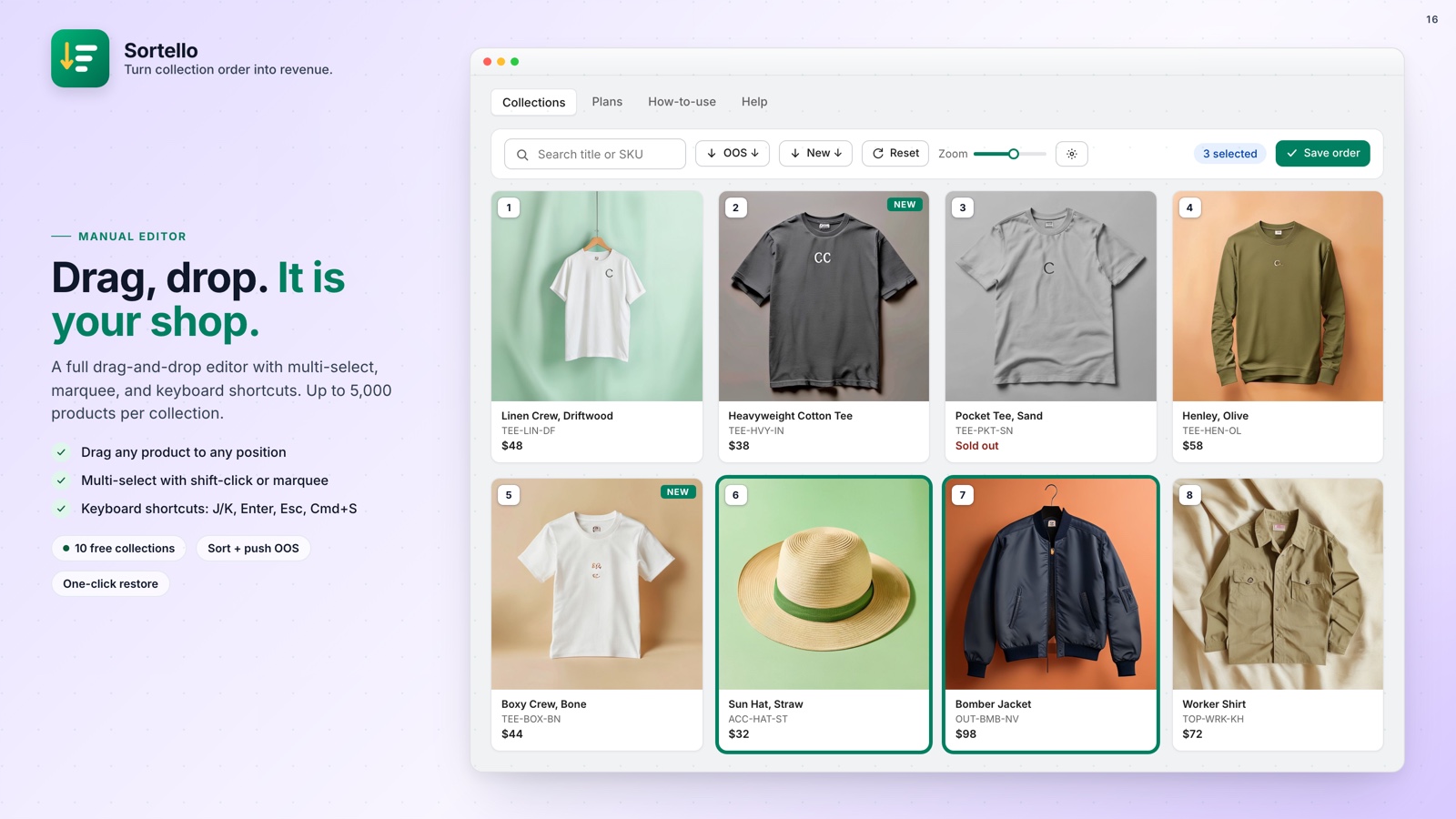
Sortello's manual editor loads the whole collection in one view, up to 5,000 products. Drag anywhere, drop anywhere, and publish. The editor is on every plan, including Free.
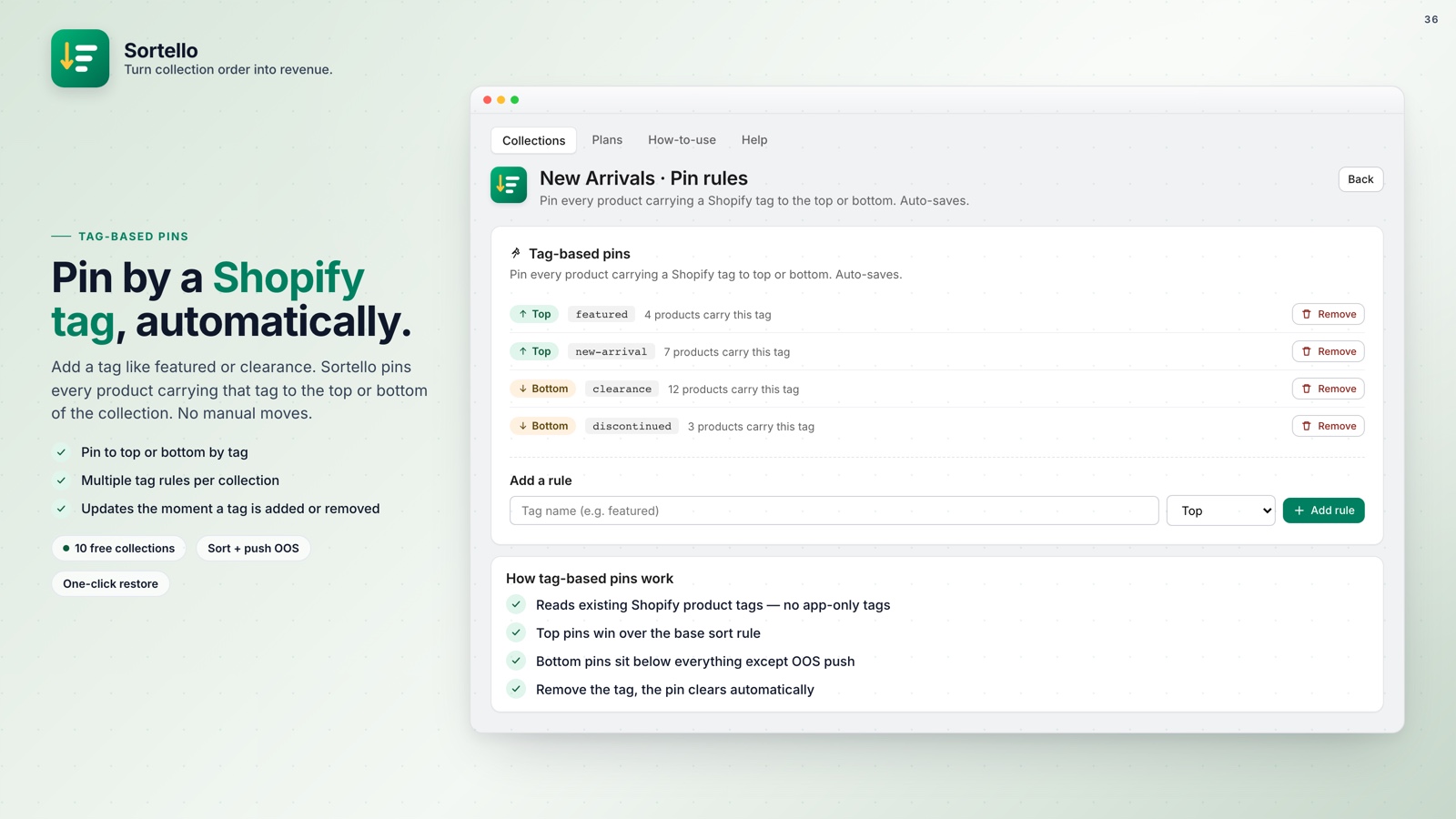
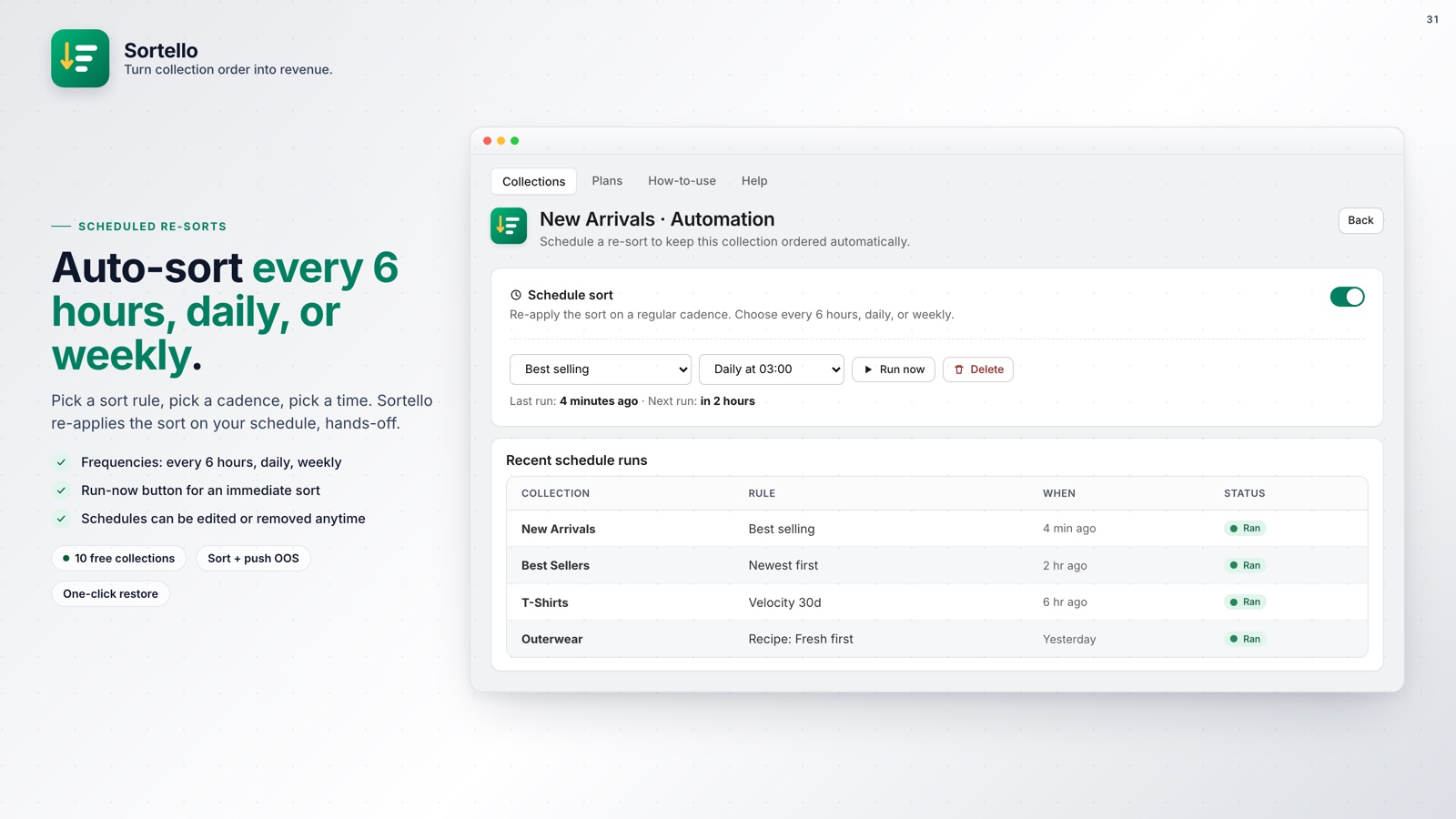
💡 Pro tip: If your manual sort keeps reverting to alphabetical, another process is overwriting it in the background. Sortello's scheduled re-sort option (Pro) can re-push your order automatically so it does not revert unexpectedly.
🗂️ Multi-Select: Move a Batch of Products at Once
Shopify has no native multi-select for collection ordering. The native editor requires one drag per product.
Managing a seasonal launch with 40 new SKUs requires 40 individual moves across multiple pages. By the time you finish, campaign priorities may have changed.
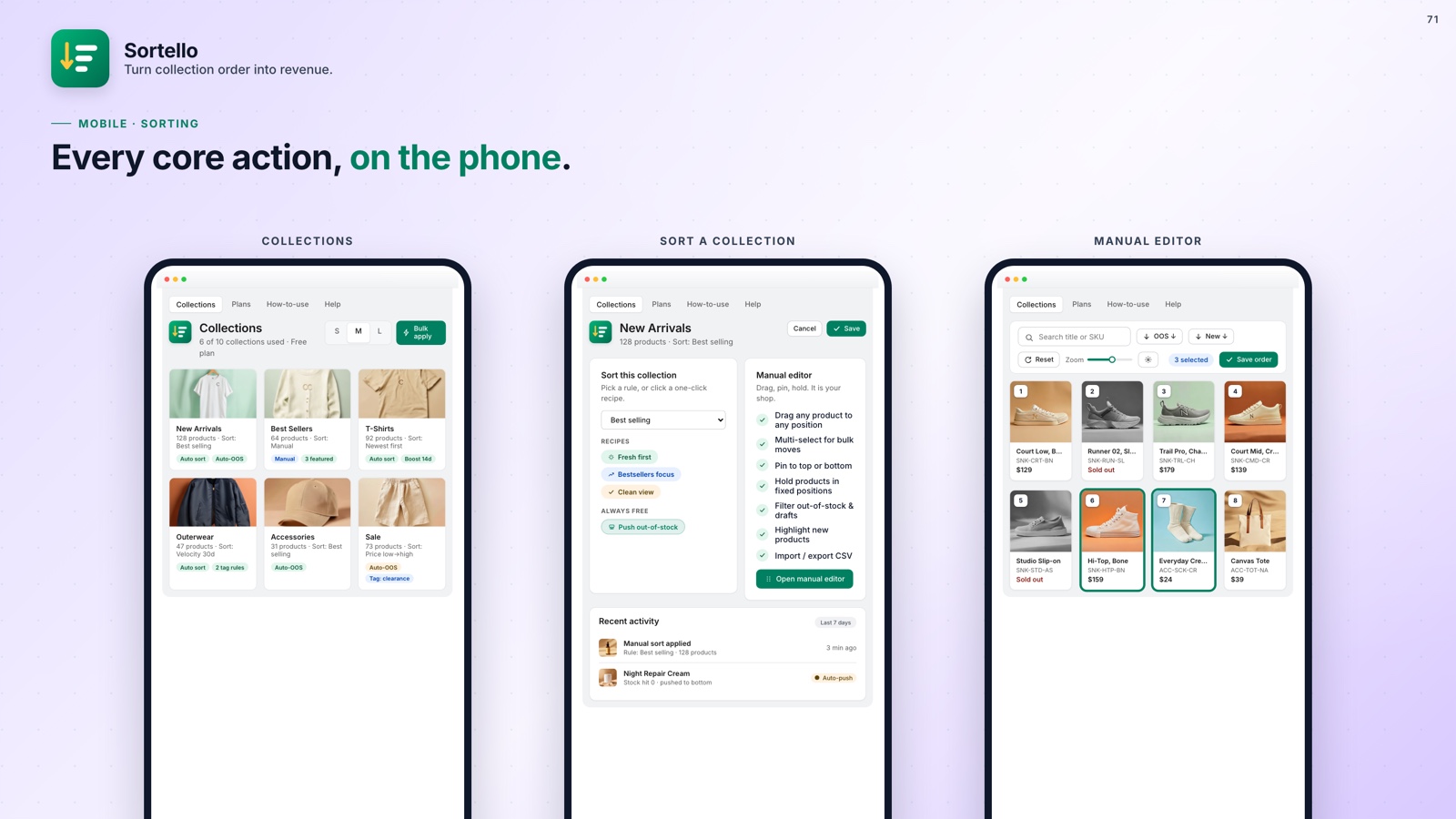
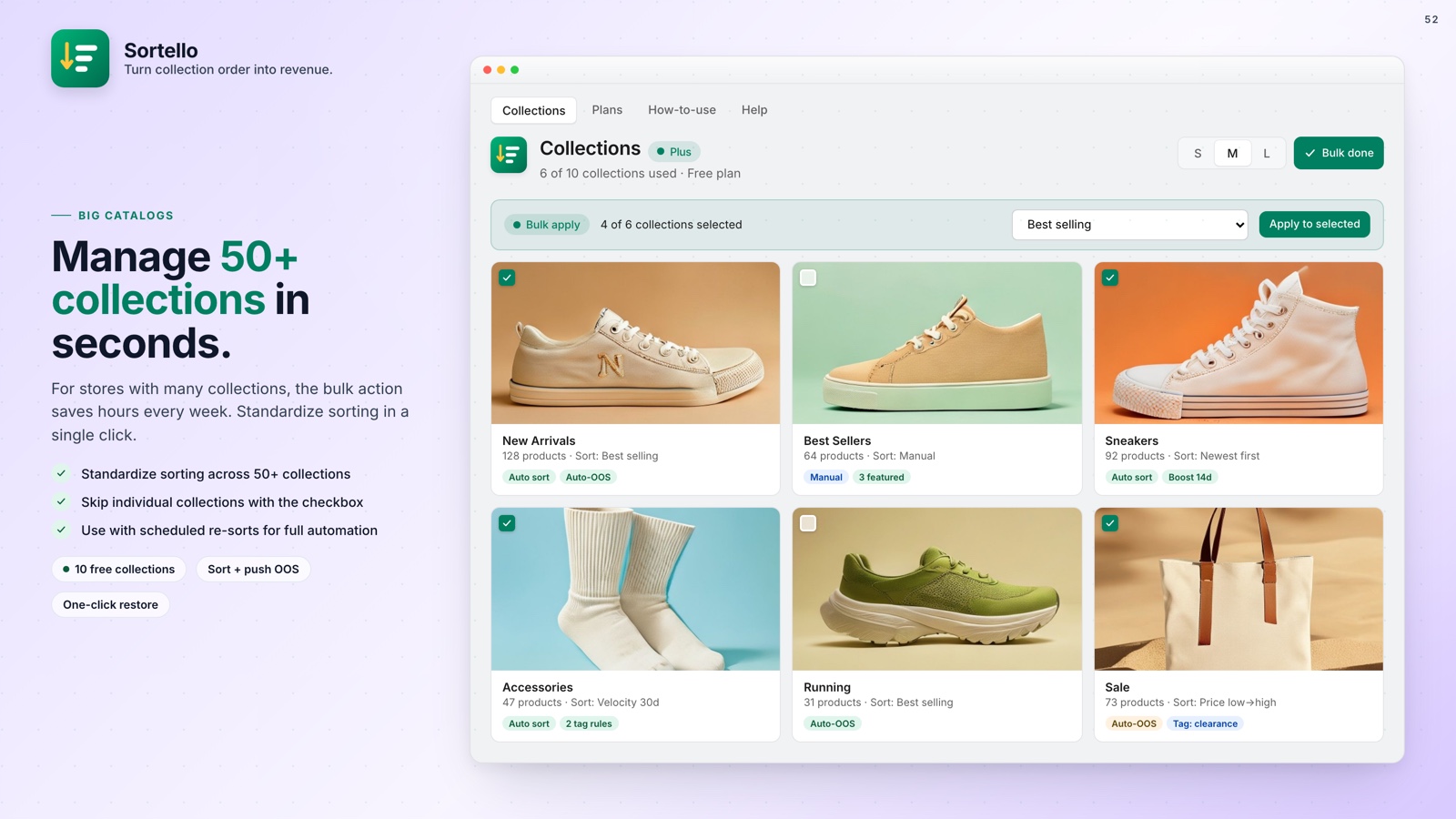
With Sortello, you check multiple products and move them as a group. Select 20 products and click "move to top." A task that used to take 30 minutes can be completed in under a minute.
And when those products eventually sell out, you do not need to drag them to the bottom one by one. Sortello can automatically push out-of-stock products to the bottom of your collection the moment inventory hits zero, then move them back into your order when they are back in stock (Pro).
🛍️ Product Cards: Sort Menu, Sales Counts & Sale Pricing
Dragging products is only half the job. The other half is knowing which products deserve the top positions, and that usually means switching tabs to check sales reports or pricing before coming back to reorder.
Sortello's manual editor now surfaces that information directly on each product card. A sort menu built into the editor lets you resort by title, price, inventory, or sales without leaving the page. Every card can also show a sales count from the last 60 days, so you can see what is actually selling while you drag.
Cards with a compare-at (discount) price now show the sale price with the original struck through, so a promotion is visible at a glance instead of requiring a separate check. And each card carries small storefront and admin quick-link icons, so you can open the live product page or its admin listing in a new tab without losing your place in the editor.
None of this replaces the drag-and-drop itself. It just removes the reason to leave the editor while you decide where a product belongs.

A drag-and-drop editor built for real catalogs
Sortello gives you a full editor for collections up to 5,000 products, multi-select bulk moves, and a sort order that remains stable.
Everything you get, at a glance:
- Full editor view for collections up to 5,000 products (all plans)
- Multi-select to move a batch of products in one action (all plans)
- Built-in sort menu, 60-day sales counts, and sale pricing shown on each card
- Shopify's seven built-in sort rules plus a random shuffle (all plans)
- Sales-velocity, revenue, stock-level, discount and vendor sorts, plus two recipes (Pro)
- Sort history: the last 20 versions of each collection, one-click restore (all plans)
- One-click out-of-stock push to the bottom (all plans, including Free)
- No theme edits, works on any live Shopify store
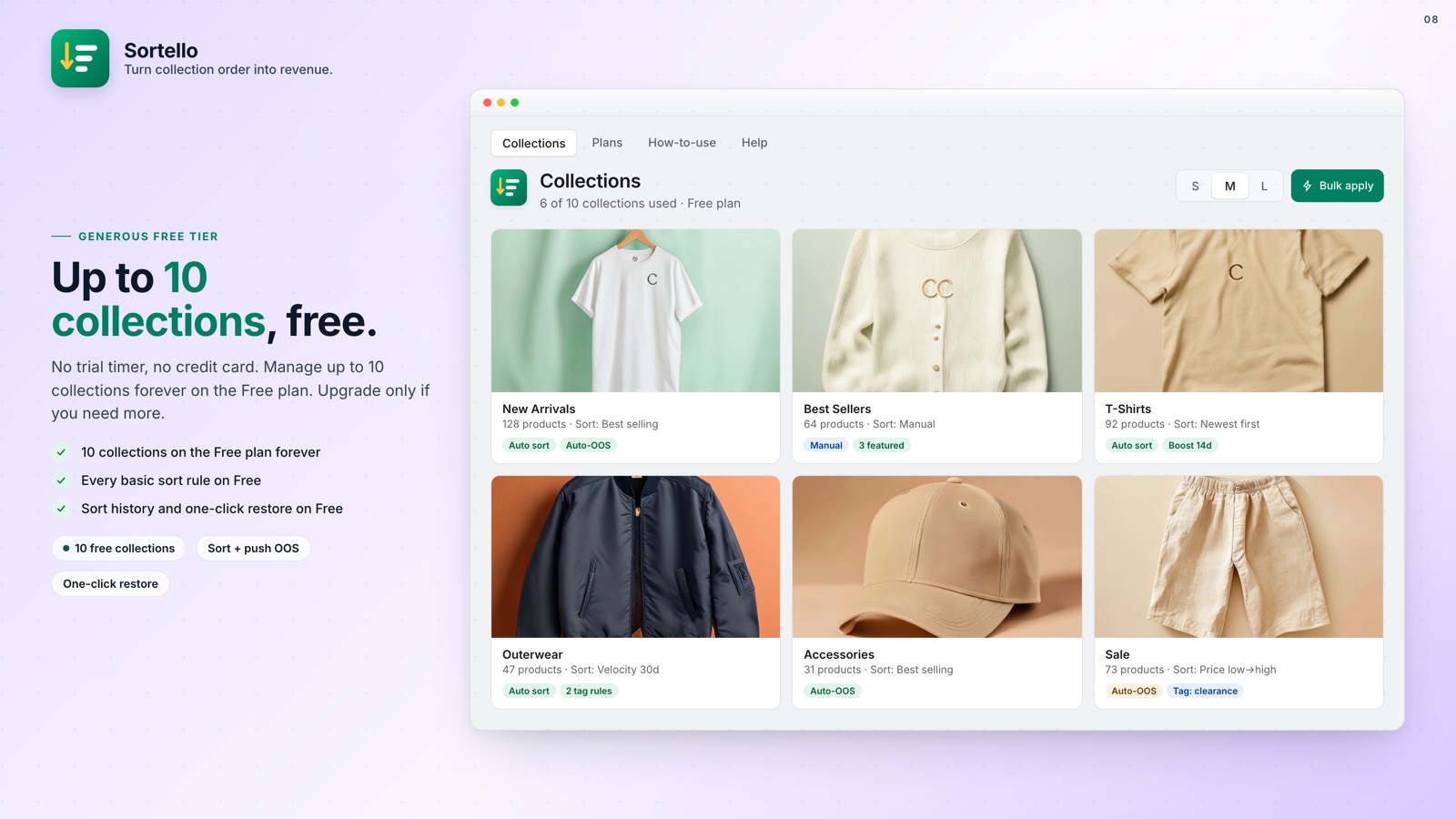
- Free plan covers up to 10 collections
🚀 Why This Matters for Your Store
Many stores set a collection sort once and never revisit it. Older products dominate the top because Shopify's best-selling sort uses all-time order counts, not recent sales. New arrivals sink, and sold-out items stay in prominent positions.
Fixing it does not need a developer or theme changes. Beyond a manual edit, automatic sort rules keep collections in order on a schedule. A clean manual edit is the fastest way to see the difference product order makes.
Sortello's Free plan covers 10 collections with the full editor.